Tips & Tricks
Get the most out of TripHub with these simple tips
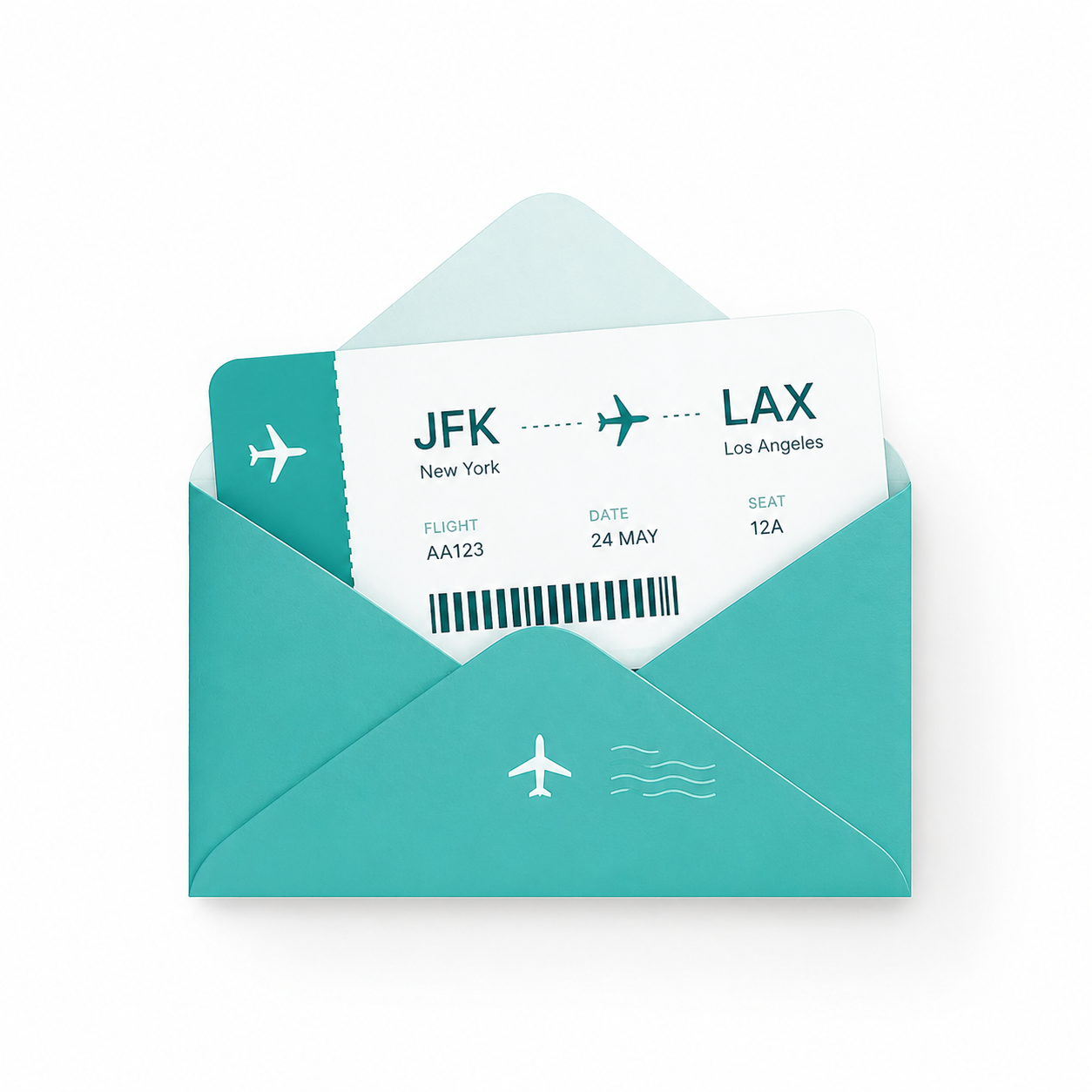
Forward your flight, accommodation or restaurant confirmation to THTrips@outlook.com and we add it to your trip automatically
Getting Started
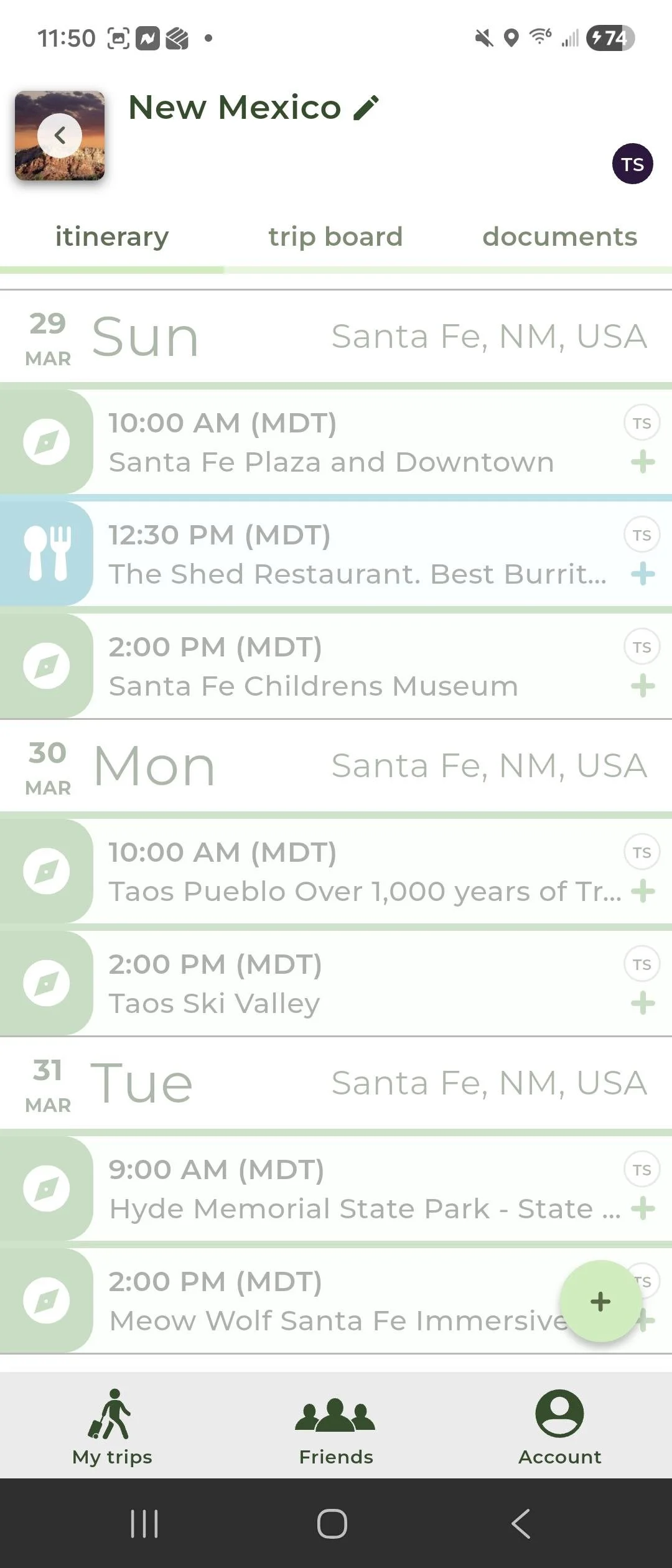
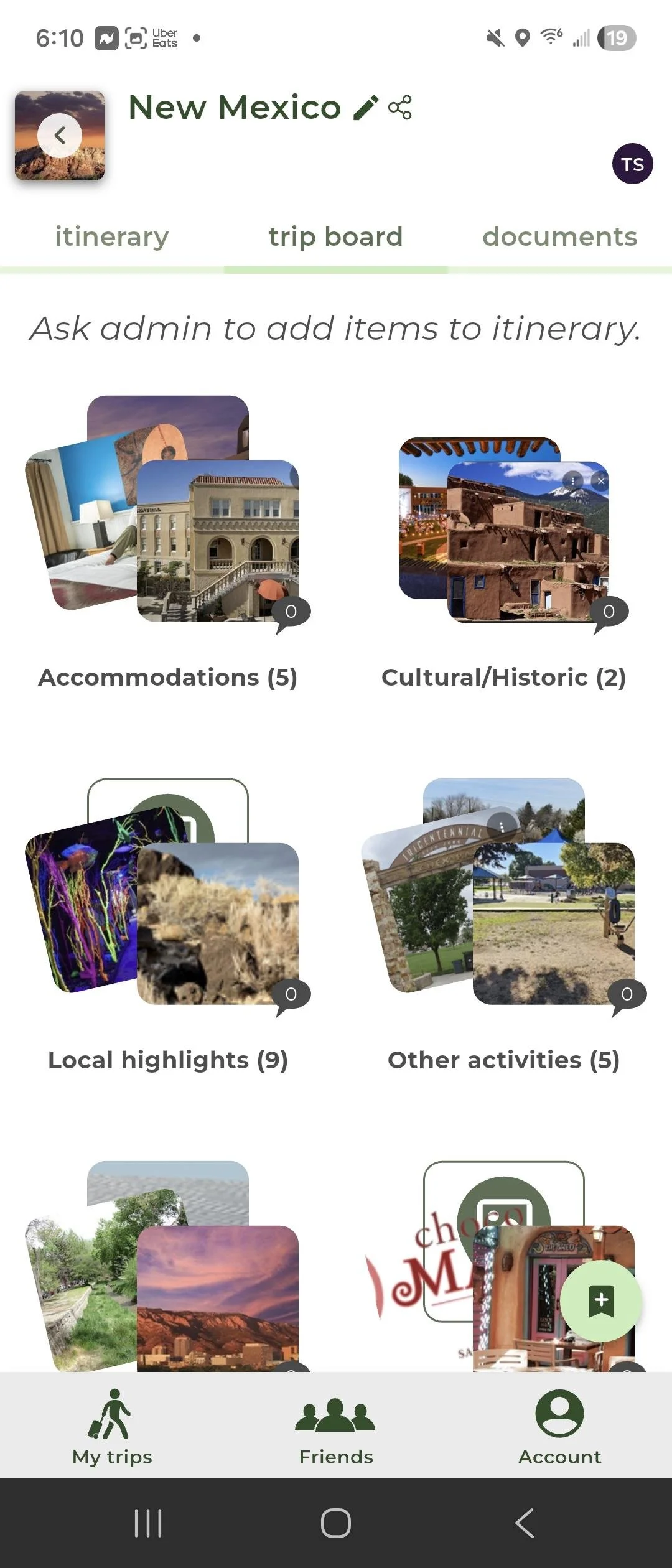
Tap the + button at the bottom right of your screen to create a new trip
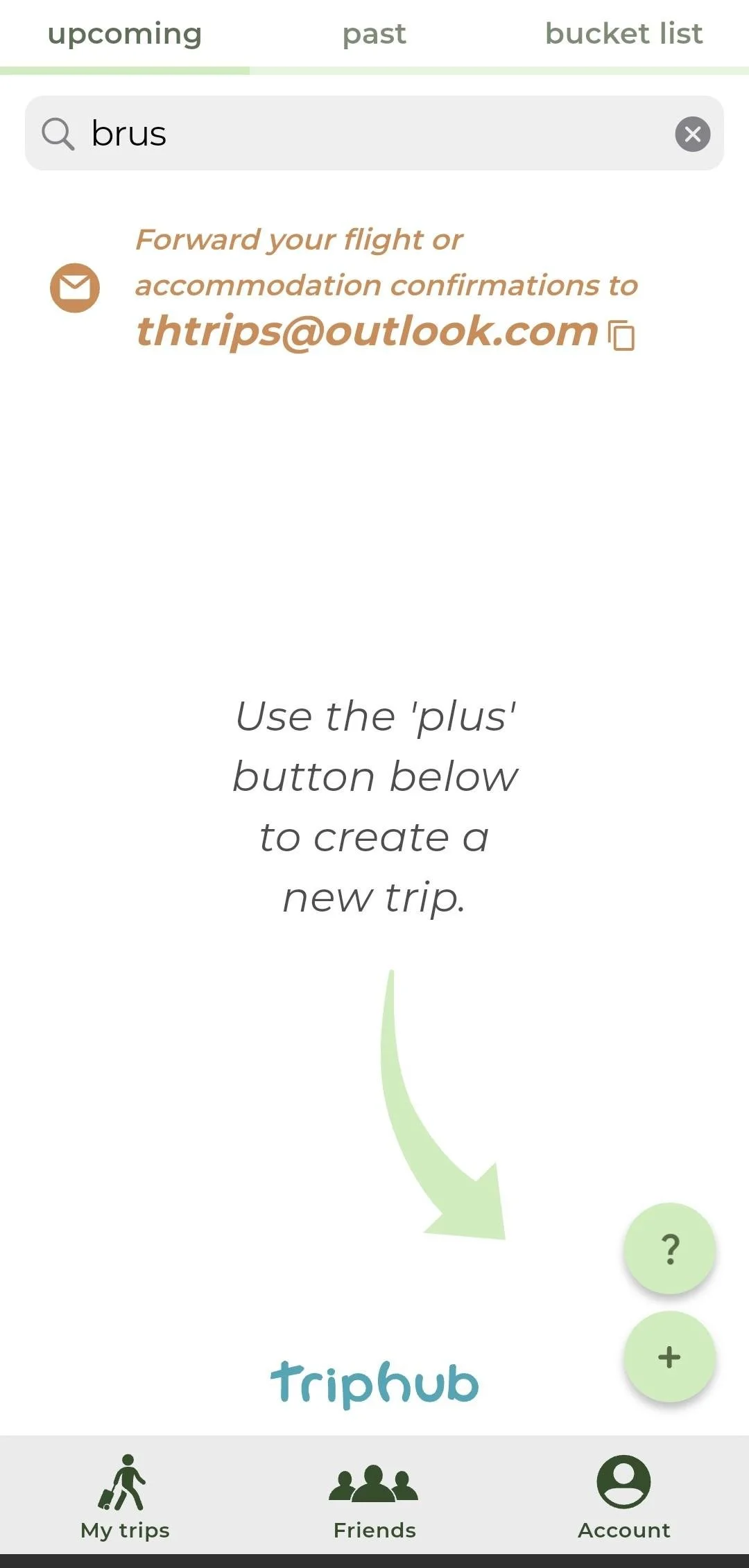
2. Your Itinerary
All your activities organized by day — automatically
3. Changing Images
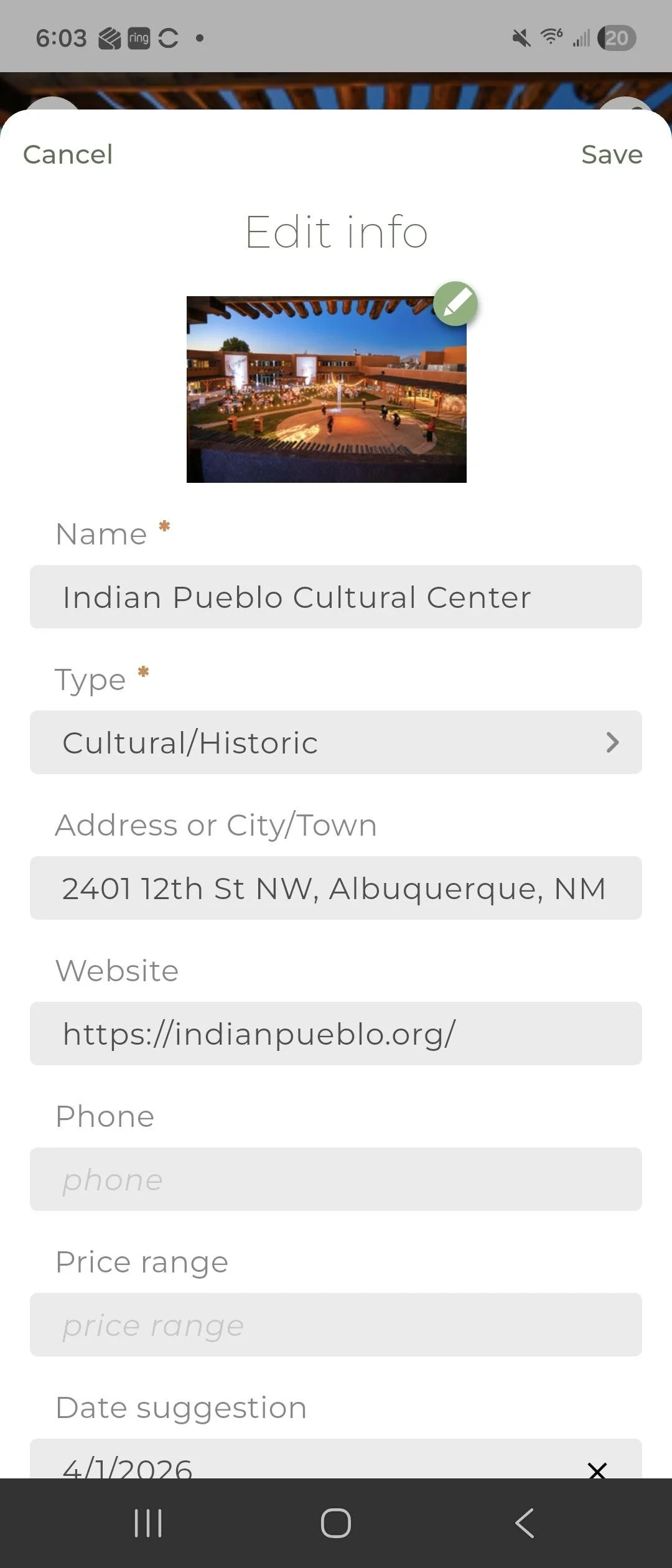
Go to any item on your trip board, tap edit, click the pencil next to the picture and choose a photo from your library
4. Inviting Friends
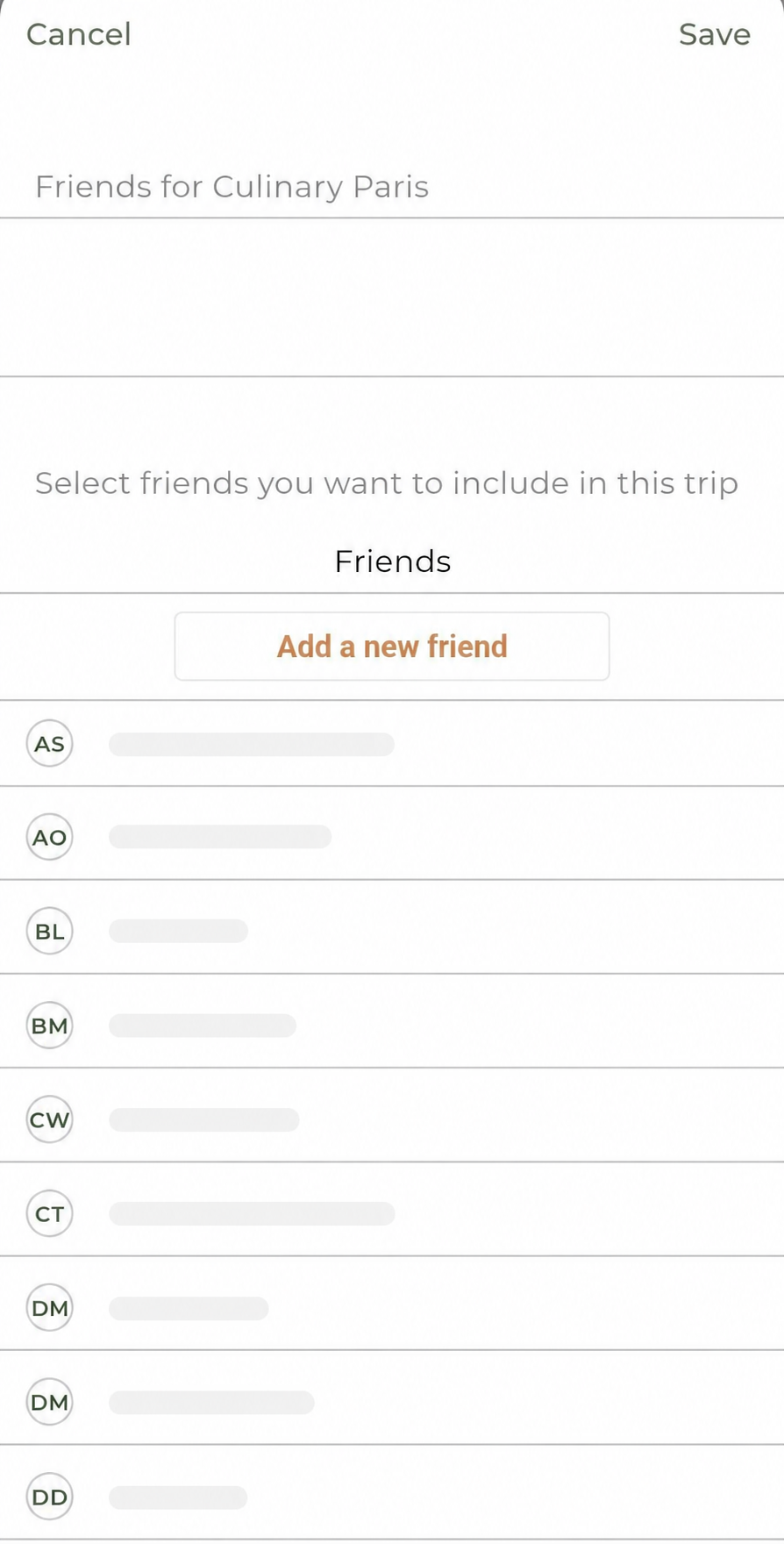
Invite friends to join your trip. Make sure your friends have downloaded TripHub and created an account.
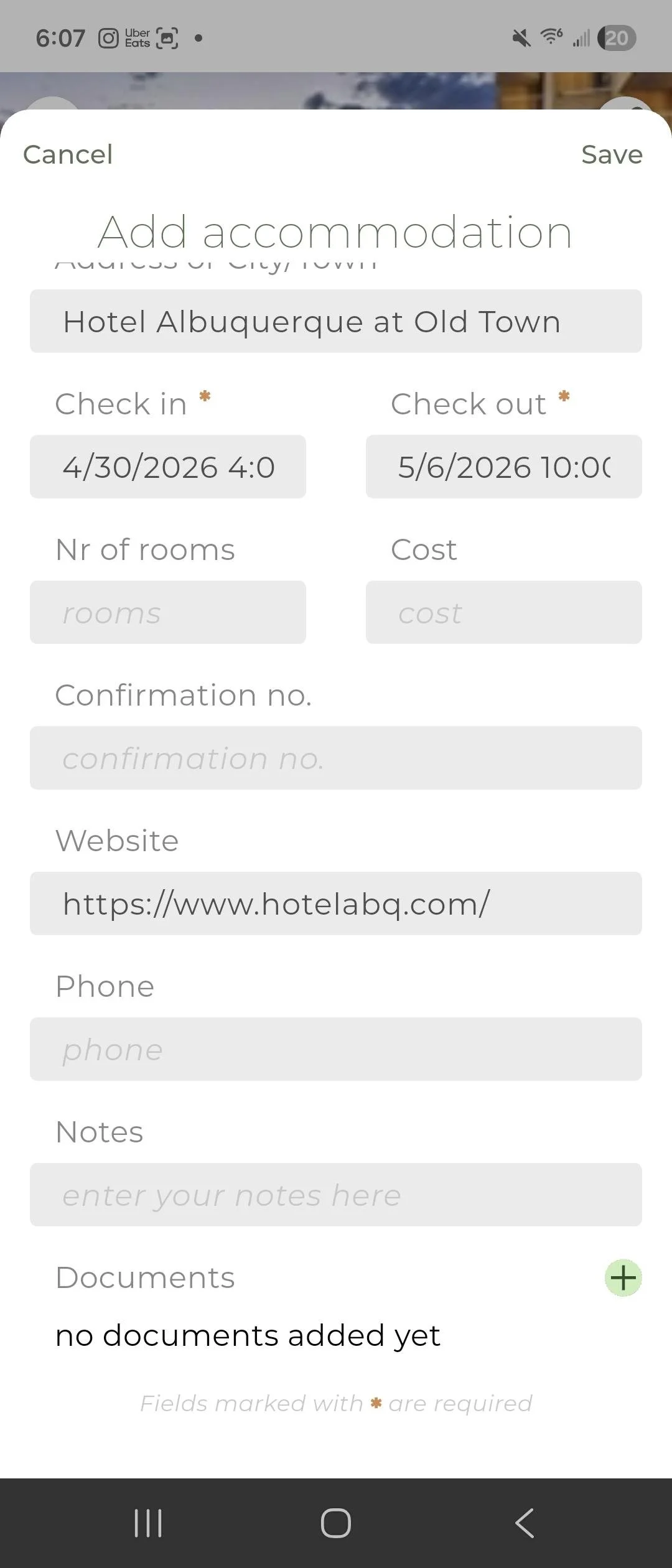
5. Adding Documents
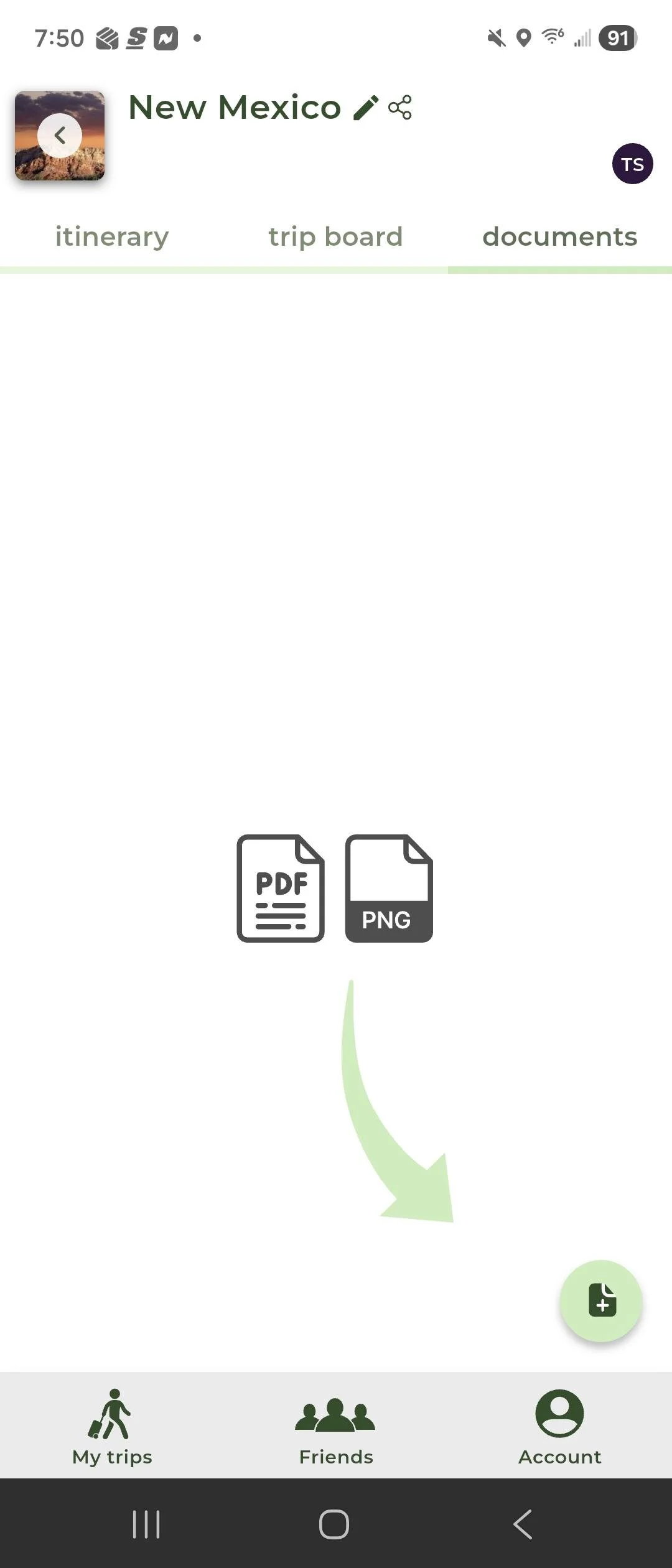
Keep all your travel documents in one place. Tap the + button to upload PDFs, files, screenshots, — anything you need for your trip. You can also add a document to a specific itinerary item.
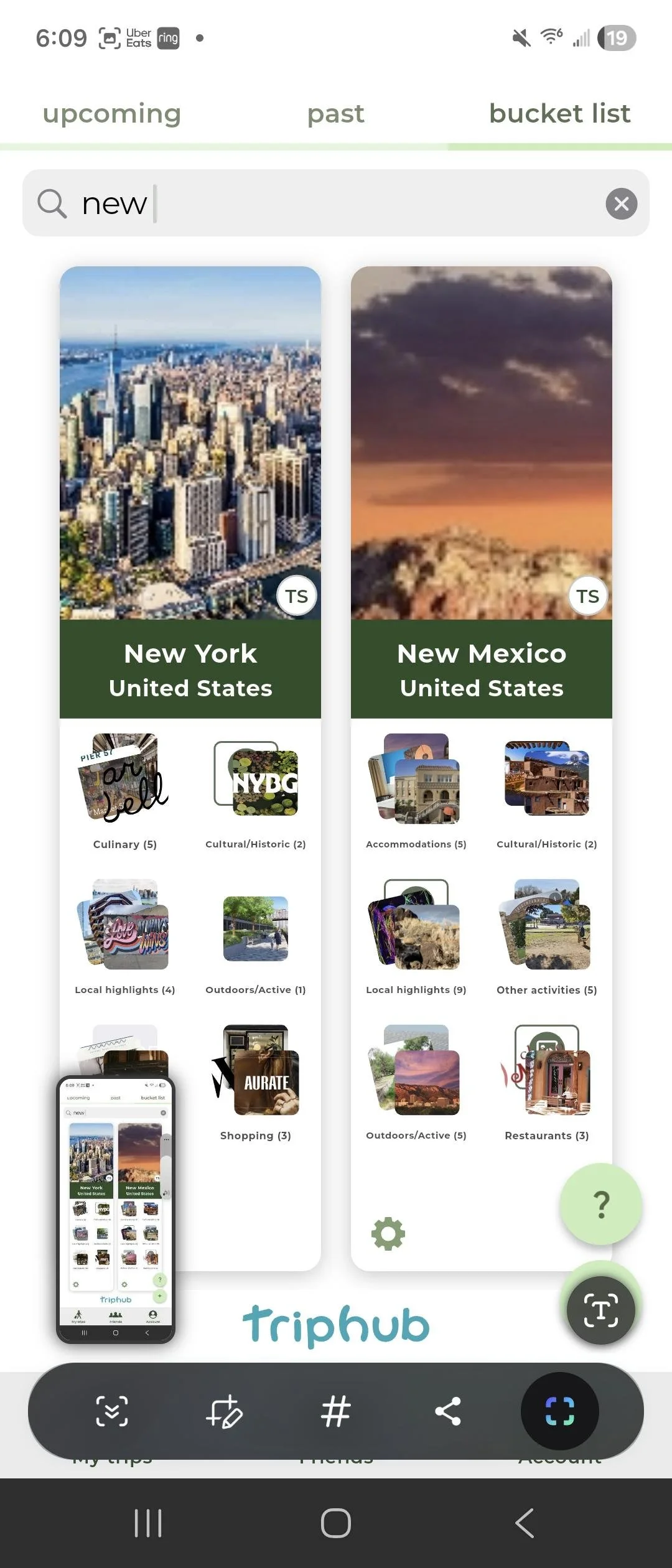
6. Your trips, beautifully organized
All your past, upcoming and your bucket list trips in one convenient and organized place.
Happy planning 🌍
Questions? We're here.